
What you get
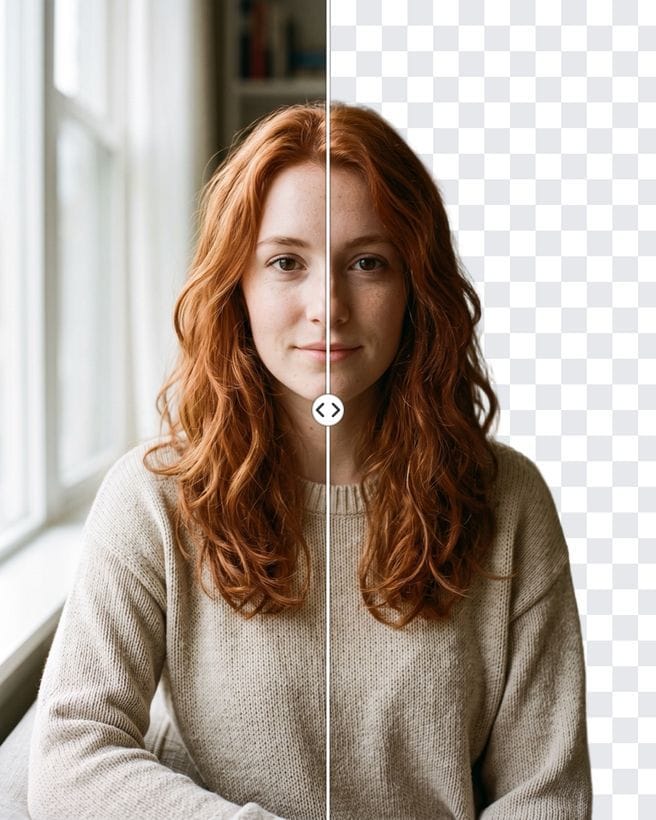
The bot runs a dedicated background-removal model, not a general image generator, so the subject itself is not redrawn. Each run returns two files: a PNG with a transparent background and a JPEG on pure white. Use the PNG in Canva, Figma, slides or a sticker; use the white version where a plain background is required.
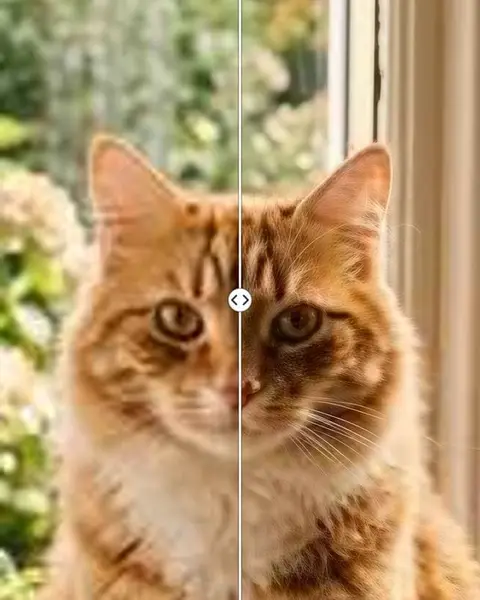
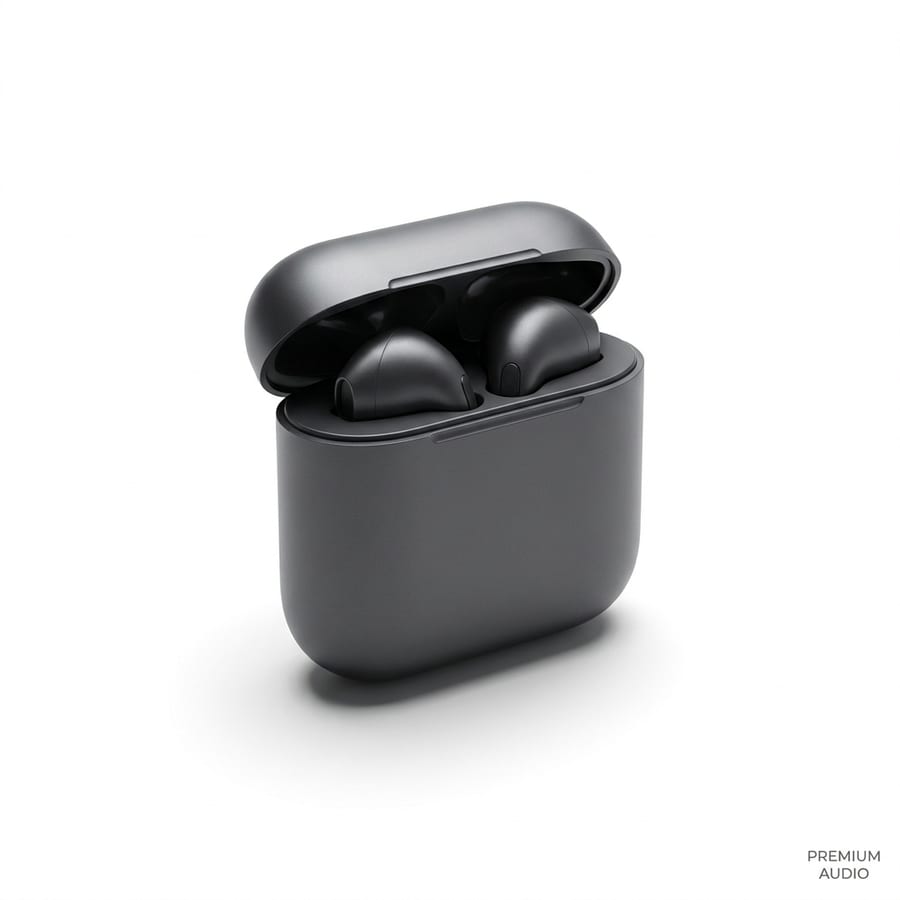
It works on people, pets, products and objects. Fine edges such as hair and fur are the hardest part of any cutout, and the model is trained for exactly that.
Good to know
- A clear subject that stands out from the background gives the cleanest edge.
- Busy scenes with several people may keep more than you want: crop the photo first.
- Photos with good light and a sharp subject give cleaner edges than dark or blurry ones.
- Need a new background instead of none? Write it in the chat, for example "put me on a beach at sunset".